
Connect Trino
Connect Trino or Starburst to NQRust Analytics.
Connecting Trino (or Starburst) to NQRust Analytics involves a few steps: enter the connection settings, optionally import details from Starburst, select your tables, and define relationships.
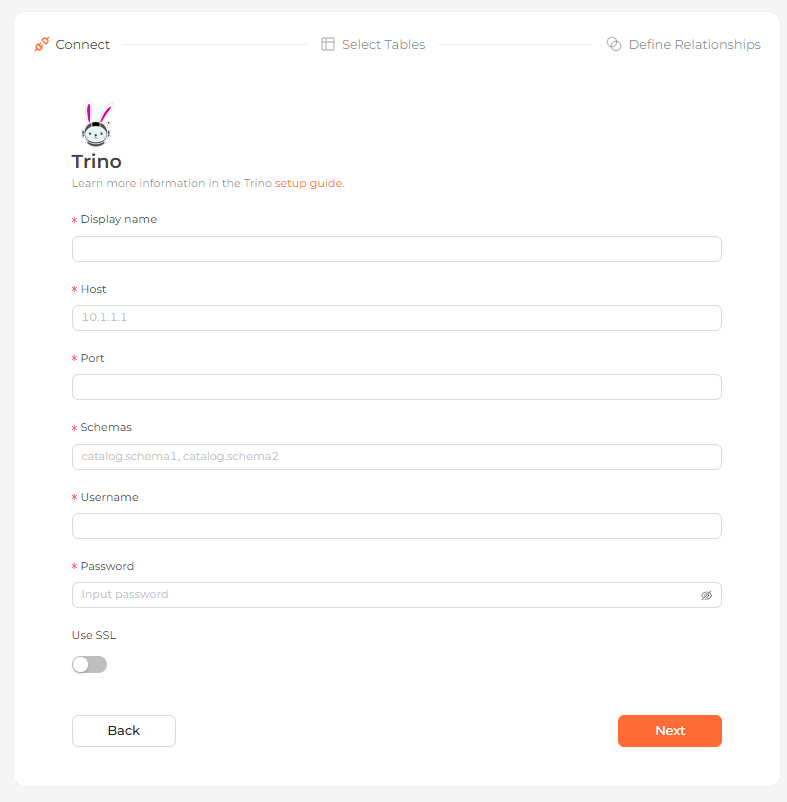 The Trino connection form in the Analytics UI
Connection settings
| Field | Description |
|---|---|
| Display name | (required) The name this database shows up as in the Analytics UI. |
| Host | (required) The Trino server's IP address or hostname, e.g. 10.1.1.1. |
| Port | (required) The port the server listens on. |
| Schemas | (required) A comma-separated list of catalogs and schemas to expose, written in catalog.schema form, e.g. catalog.schema1, catalog.schema2. |
| Username | (required) The account used to authenticate. |
| Password | (required) That account's password. |
| Use SSL | (optional) Toggle SSL on for the connection. Off by default. |
Running Trino locally on macOS or Windows? Use host.docker.internal as the
host so the container can reach your machine.
Connecting to Starburst
For a managed Starburst instance, open Partner Connect in the sidebar and choose Ibis — NQRust Analytics uses Ibis for its Trino connection. Copy the connection details Starburst provides and enter them into the form above.
Steps
Enter connection details
Complete the settings above and continue.
Select tables
Every table in the connected Trino source is listed. Choose the ones you want as data models.
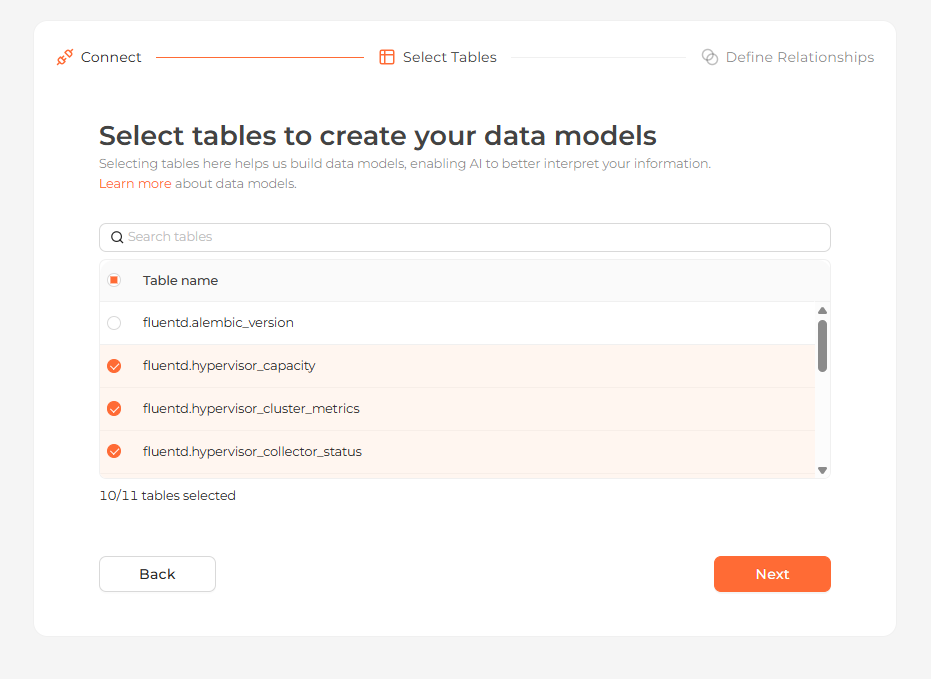 Selecting the tables to import as data models
Define relationships
Define relationships between your tables by choosing From and To columns and a relationship type. You can skip this step and configure it later.
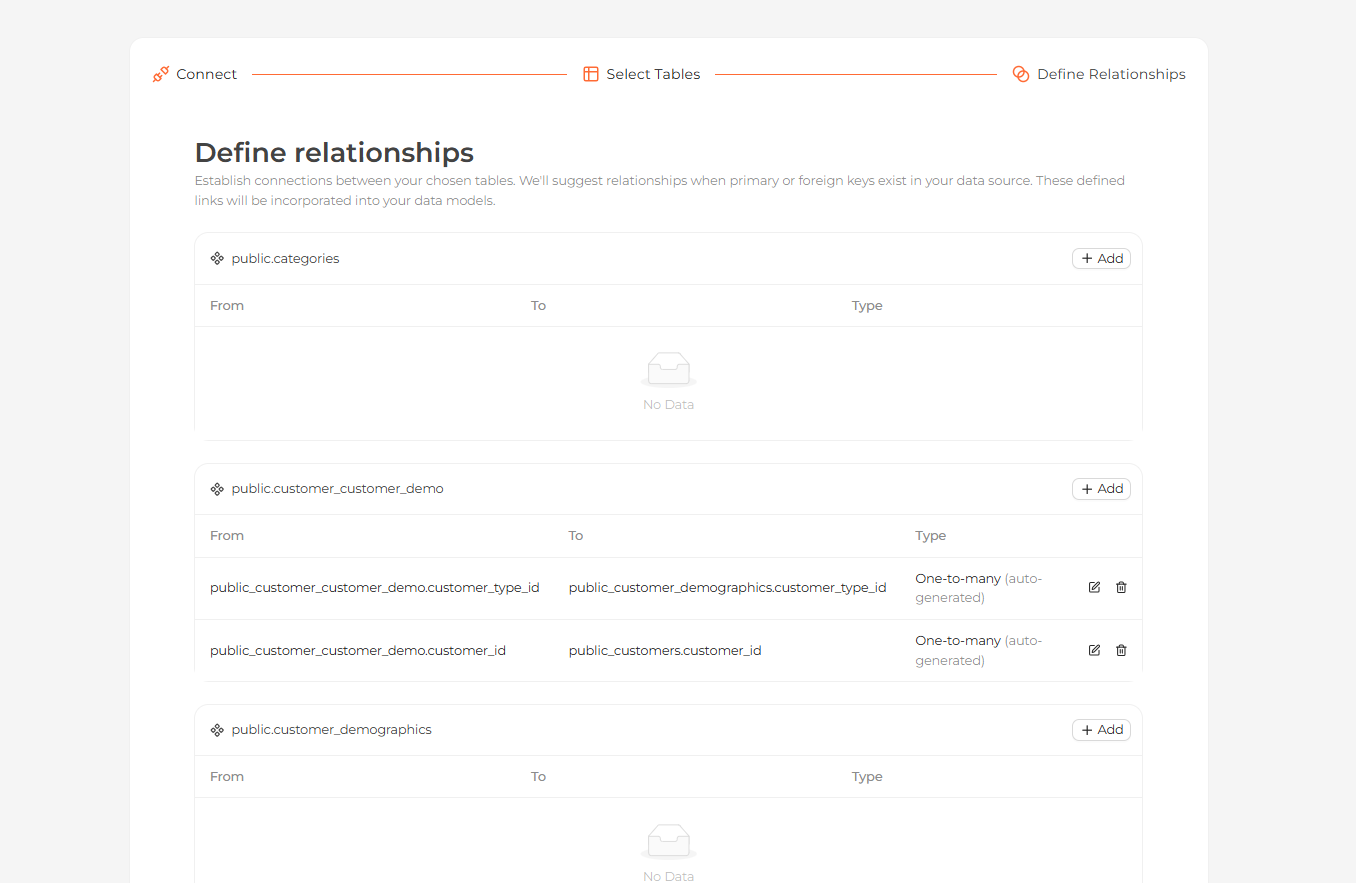 Defining relationships between the imported tables
Start exploring
Your tables now appear on the Modeling page. Open the Home page and ask questions about your data in natural language.
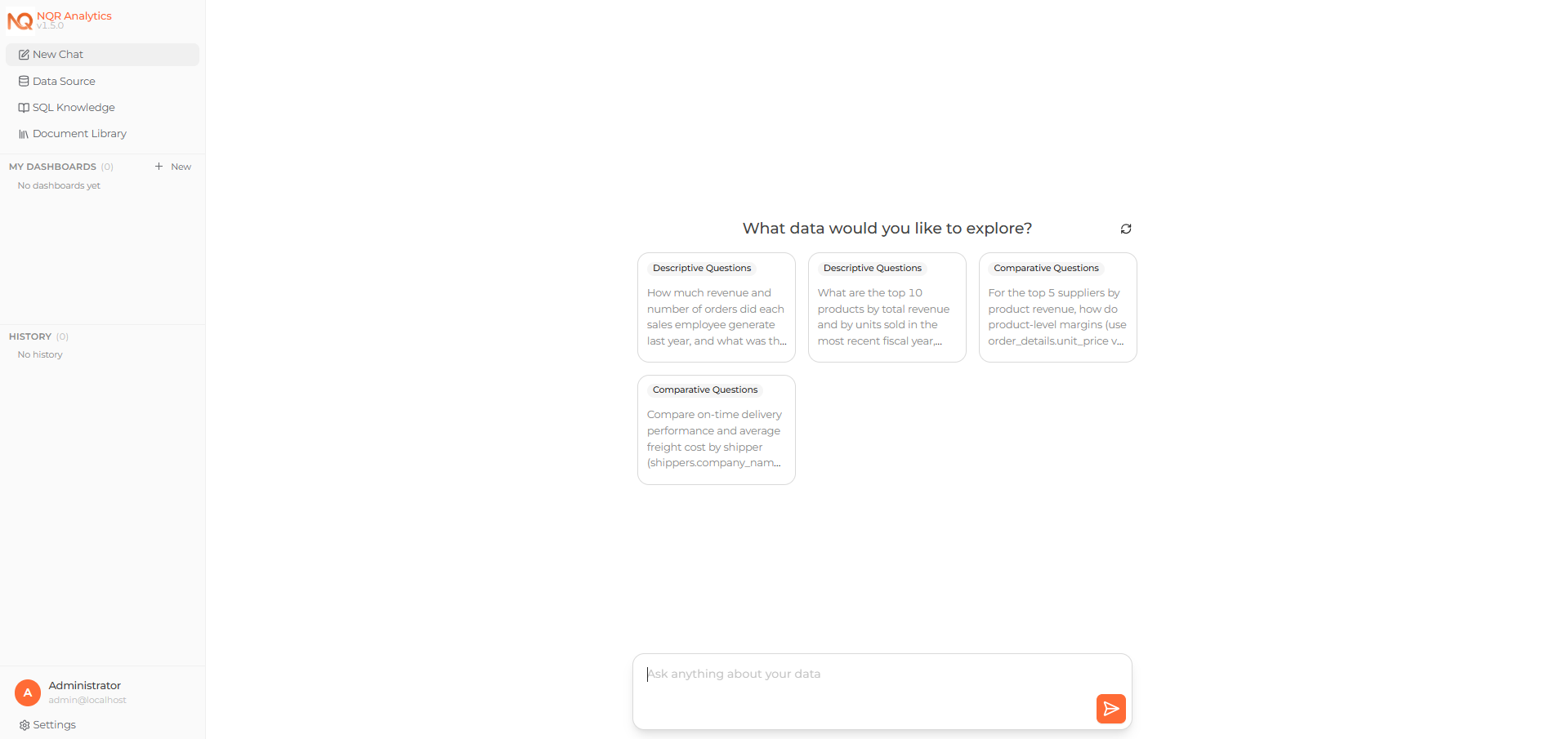 Asking a question about the connected data on the Home page