
Know Your Answers
Understand the components of an answer thread, from the summary and data preview to SQL and charts.
After NQRust Analytics generates an answer, you arrive on a thread page that presents everything it produced.
Answer components
Summarized answer
NQRust Analytics writes a brief narrative summary of the key findings in your data, so you can grasp the main takeaway quickly.
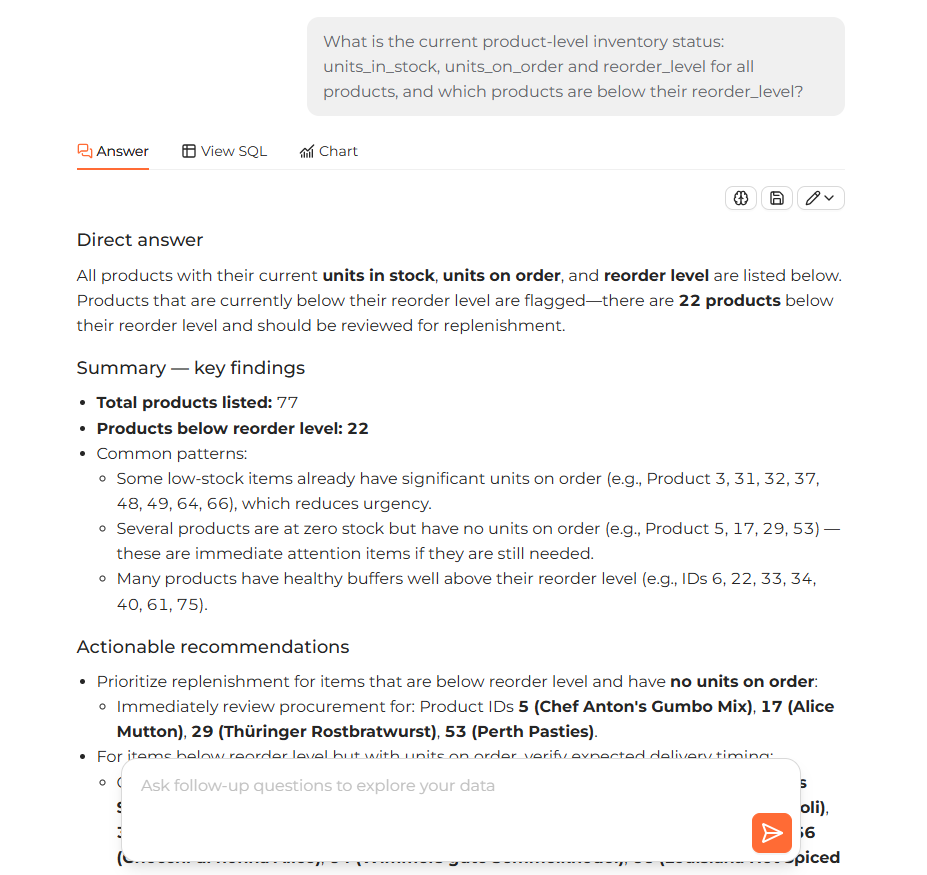 An answer thread showing the summarized answer with the data preview of returned rows below it
Data preview
Below the summary, you can view a preview of the actual rows returned by the query.
View SQL
Open the View SQL tab to read the SQL query behind the answer. You can also edit that query to produce a new answer. See Adjust answers for details.
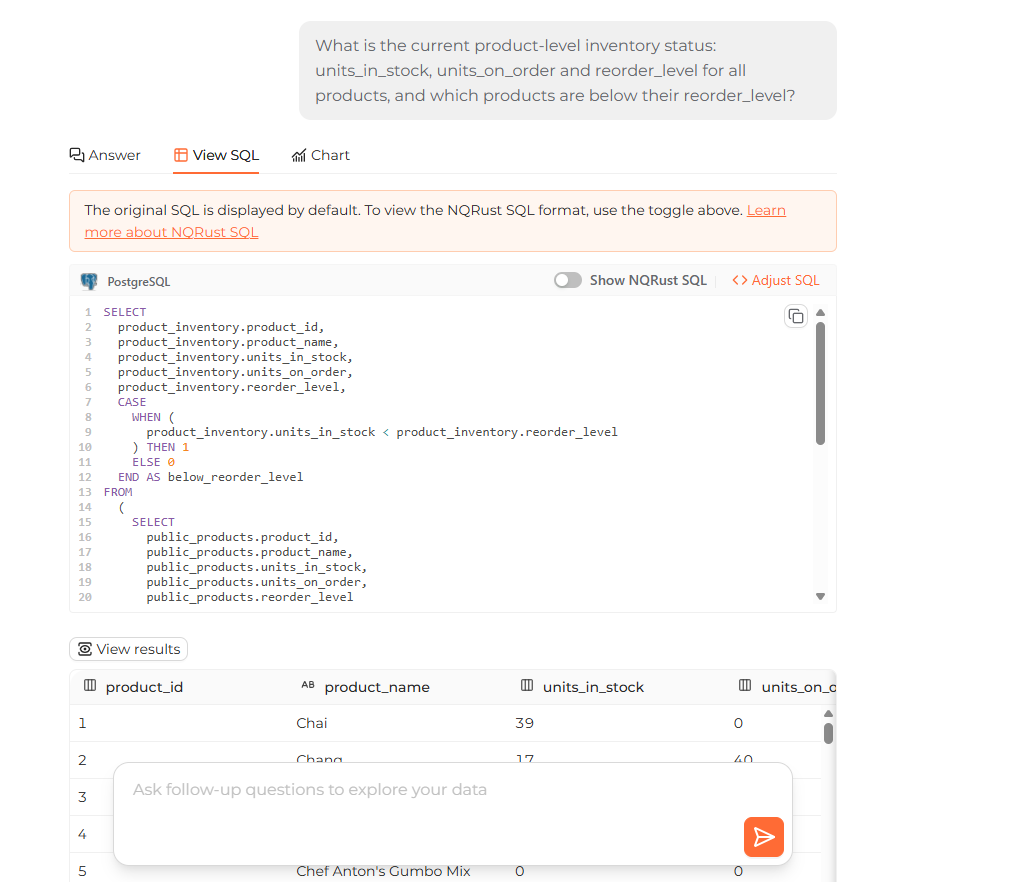 The View SQL tab showing the generated SQL query behind the answer
Generate chart
Where appropriate, NQRust Analytics builds a chart automatically to help you visualize the result. Open the Chart tab to view it. See Generate charts for the available chart types and how to adjust them.
Save the result SQL as a view
Every answer includes a Save as view button at the bottom. Use it when you are satisfied with a result and want to keep its SQL for reuse, or when you want to reference the answer from elsewhere. Saving the query as a view lets you return to a frequently used result later.
Follow-up questions
Recommended questions
NQRust Analytics suggests follow-up questions based on your current result so you can explore the data further.
Ask your own
You can also type your own follow-up in the thread's question box. NQRust Analytics takes the previous results into account when generating the next answer.