
Project & Settings
Manage Projects
Set up, configure, and clean up projects in your NQRust Analytics deployment.
A project is where your analytics work lives. It ties together a data source, the model you build on top of it, and the conversation history produced by asking questions. Your self-hosted NQRust Analytics deployment can hold one or more projects, and you switch between them from the Analytics UI.
What you can do with a project
- Create a project. Start fresh, connect a data source, and begin asking questions immediately. See Connect Data Sources for the connector-specific steps.
- Configure the data source. Review and update the connection details for an existing project at any time. See Data Source Settings.
- Adjust project behavior. Change the response language or reset the project entirely from Project Settings.
- Clean up. Reset a project to discard its current state and start over. The UI confirms before applying, so you do not lose work by accident.
Access and roles
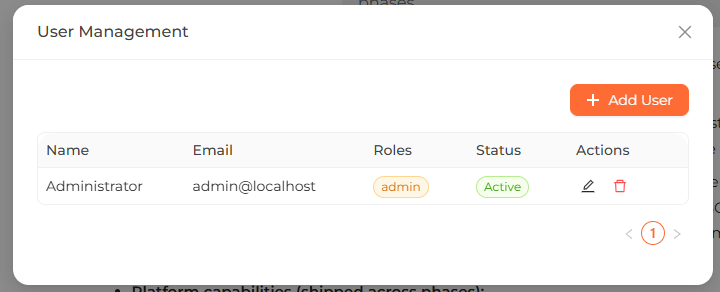
NQRust Analytics is self-hosted, so a project lives inside your own deployment rather than a hosted organization. Who can view and change a project is governed by user accounts and role-based access control (RBAC) with Admin, Editor, and Viewer roles. The account and role model is covered in its own section; to set up your deployment in the first place, see Installation.
 The project management screen where you create, switch between, and configure projects.