
Project Settings
Control project-wide behavior in NQRust Analytics, including reset and response language.
Open Settings > Project Settings to manage behavior that applies to the whole project, such as resetting the project or choosing the language used in responses.
Restore the project
Restoring returns the project to a clean state. It removes all current configurations and data, including the Modeling page and Dashboard threads. Use it only when you intend to discard the current setup and rebuild.
Restoration removes all current configurations and data, including the Modeling page and Dashboard threads. This cannot be undone.
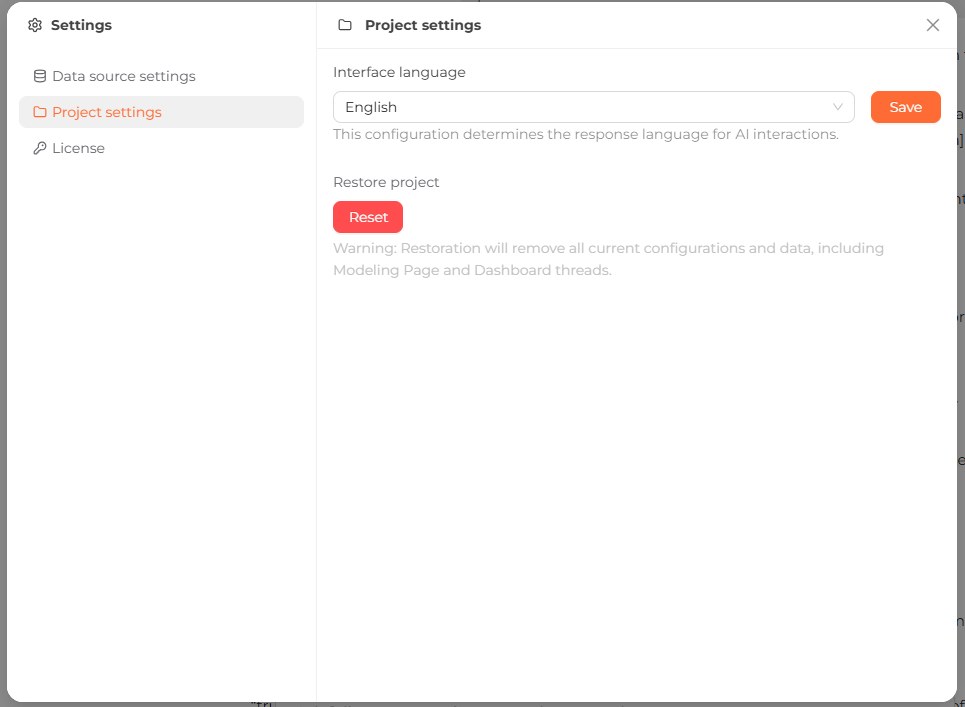 The Project settings panel, with the Interface language dropdown and the Restore project control.
Change the response language
The Interface language setting controls the language NQRust Analytics uses when it replies within the project. Select a language and click Save. The available languages are:
- English
- Spanish
- French
- German
- Italian
- Dutch
- Portuguese
- Russian
- Arabic
- Persian
- Japanese
- Korean
- Simplified Chinese
- Traditional Chinese
- Indonesian