
Question–SQL Pairs
Map natural-language questions to verified SQL so similar questions resolve consistently.
A question–SQL pair connects a natural-language question to a SQL query. By recording these pairs, you help NQRust Analytics produce more accurate and consistent SQL whenever a similar question comes up later.
Saving from an answer
After you ask a question and review the result, you can add the question and its SQL to your knowledge base with the Save to Knowledge button in the Analytics UI.
Saving successful queries means the same information can be retrieved quickly the next time someone asks a related question.
Adding pairs manually
You can also add question–SQL pairs directly, without first running the query. This is useful when you want to prepare answers to anticipated questions in advance, or when you have an optimized query you want the system to reuse.
Managing pairs
The question–SQL pairs management page lets you view, edit, and delete the pairs you have saved.
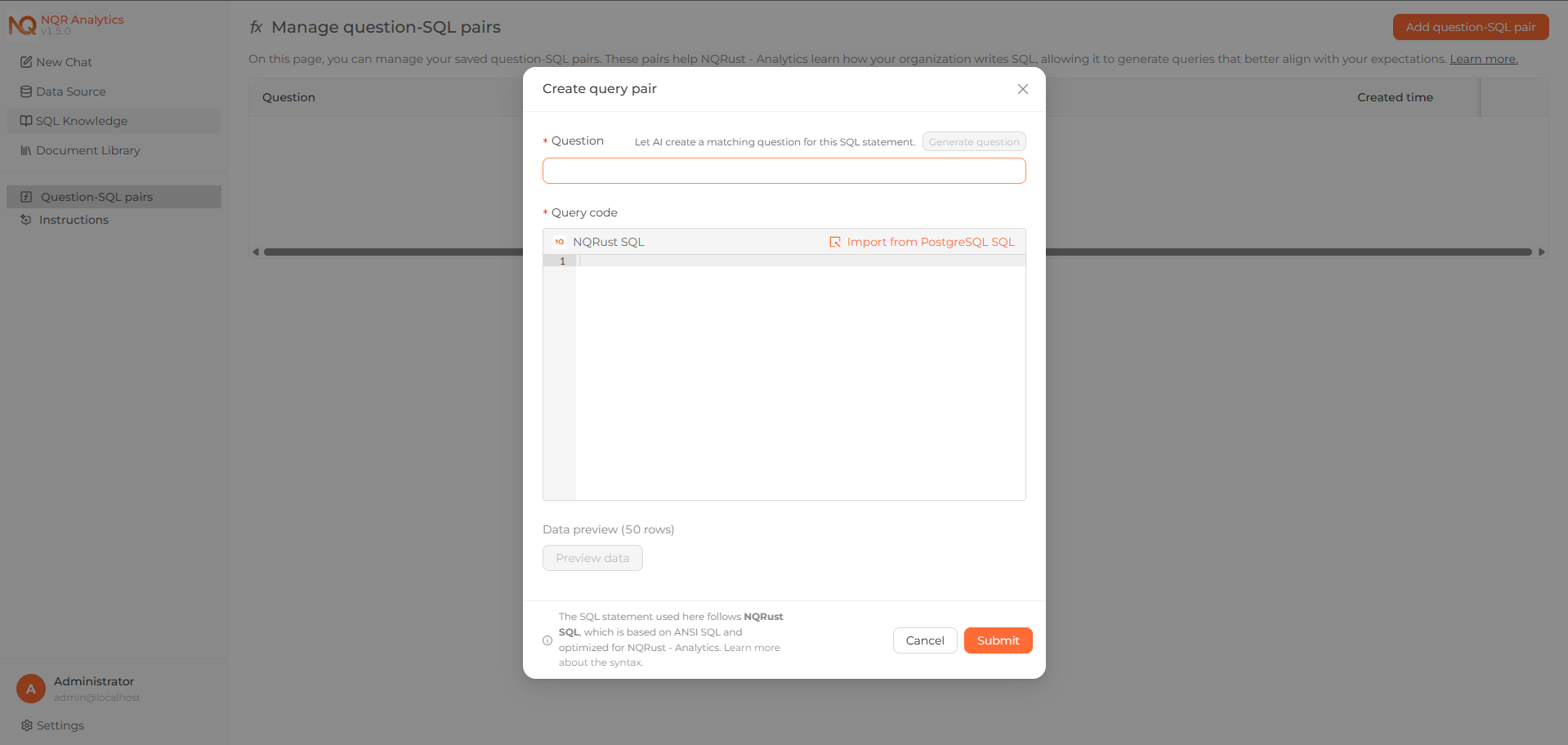 The question–SQL pairs management page, showing saved pairs with their SQL.
Example: defining a metric
To establish a consistent definition of average order value (AOV), save the question alongside the SQL that calculates it:
- Question: What is the AOV (average order value)?
- SQL:
ROUND(SUM(price + freight_value) / COUNT(DISTINCT order_id), 2)
From then on, when someone asks for average order value, NQRust Analytics applies the definition you provided to generate the answer. You can inspect the SQL behind any result to confirm it is correct.