
Instructions
Define business rules and query patterns that guide how NQRust Analytics writes SQL.
Instructions are guidelines that direct how NQRust Analytics generates SQL and responses. They let you encode business rules, data-model knowledge, and query patterns so results stay consistent and accurate for the way your organization works.
Instructions take two forms:
- Global instructions apply to every query, no matter what is asked.
- Question-matching instructions apply only when a question matches a pattern or topic you define.
With instructions you can:
- Enforce consistent naming and formatting conventions.
- Apply business rules and standard data filters.
- Guide how specific business concepts should be calculated.
- Ensure the correct joins and relationships are used.
- Standardize output formatting for readability.
Global instructions
Global instructions run against every query the system generates. They are ideal for setting consistent standards, enforcing business rules, and shaping how your data model is interpreted.
Adding a global instruction
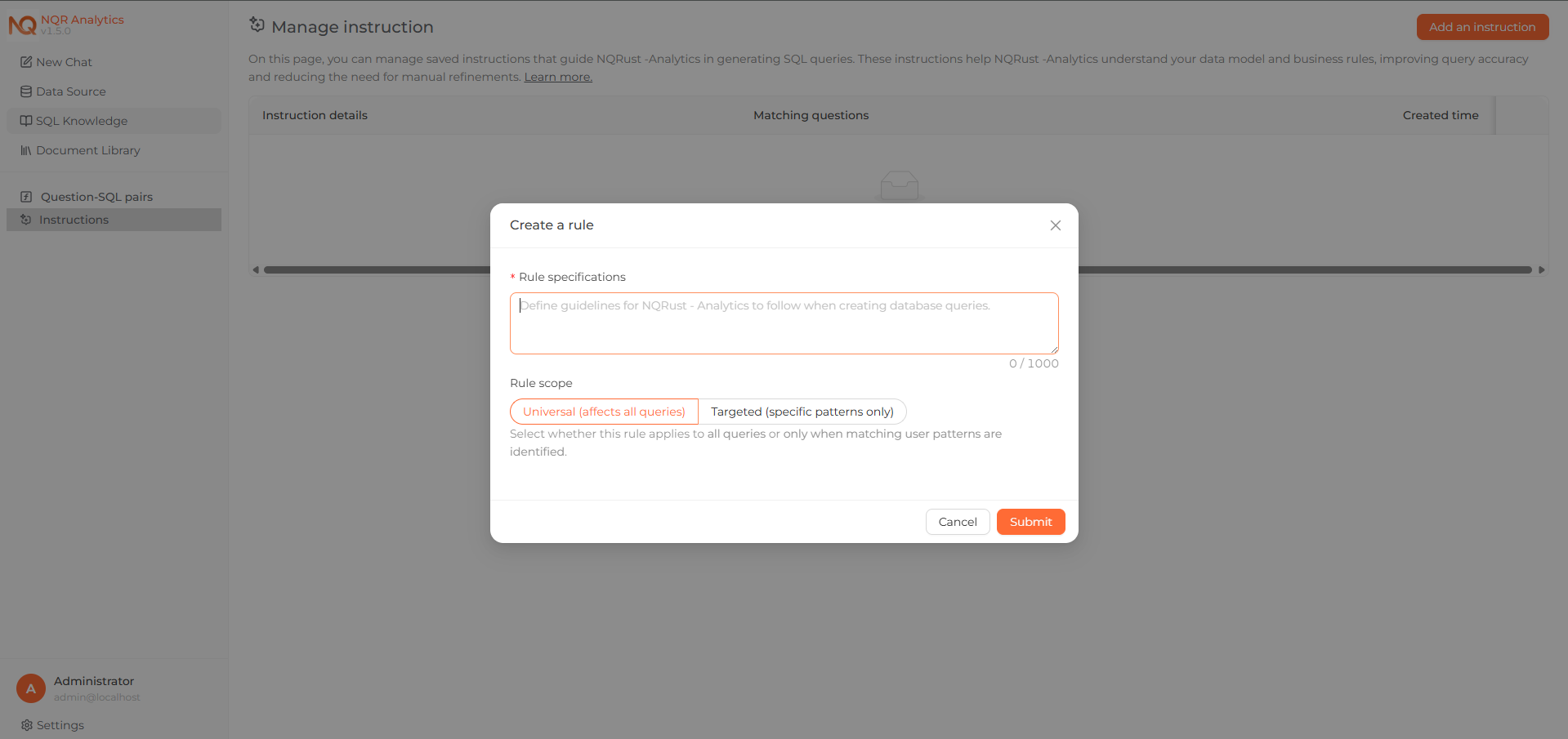 The Add an Instruction form, with Apply instruction to set to Global.
Example: filtering order status
Order statuses often need to be handled consistently across calculations. A global instruction can standardize that filtering:
Exclude orders where
order_status IN ('canceled', 'unavailable')from any sales or revenue calculation.
With this in place, a question about total revenue produces SQL whose WHERE
clause already drops canceled and unavailable orders.
More examples
Round to two decimal places
Always round floating-point values such as revenue, averages, and percentages to two decimal places using
ROUND(..., 2).
Use LEFT JOIN for optional tables
Always use
LEFT JOINwhen joining optional tables such as reviews or payments, so no rows are dropped.
Localize column aliases
Always output column aliases in Traditional Chinese.
Question-matching instructions
Question-matching instructions apply only when a question fits patterns or topics you specify. They are well suited to guiding how particular business concepts, metrics, or analyses should be handled.
Adding a question-matching instruction
Example: late-delivery analysis
For delivery-performance questions, define a single, consistent definition of a "late delivery."
Matching questions:
- What is our late delivery rate?
- How many orders were delayed?
- What percentage of deliveries are late?
Instruction:
Compare
order_estimated_delivery_dateandorder_delivered_customer_datefromolist_orders_dataset. If the delivered date is later than the estimated date, count the order as a late delivery.
When someone asks about late deliveries, the generated SQL follows this definition.
More examples
Questions about "product return rate" or "return ratio"
Match questions containing "product return rate" or "return ratio".
The dataset has no explicit returns, so treat orders with
order_status = 'canceled'as a proxy for returned or canceled orders. Use the ratio of canceled orders to total orders.
Questions about "seller performance" or "top sellers"
Match questions containing "seller performance" or "top sellers".
Aggregate revenue and order counts by
seller_idfromolist_order_items_dataset. Joinolist_orders_datasetto apply filters such as date or status.
Managing instructions
You can view, edit, and delete instructions from the instructions management page in the Analytics UI.
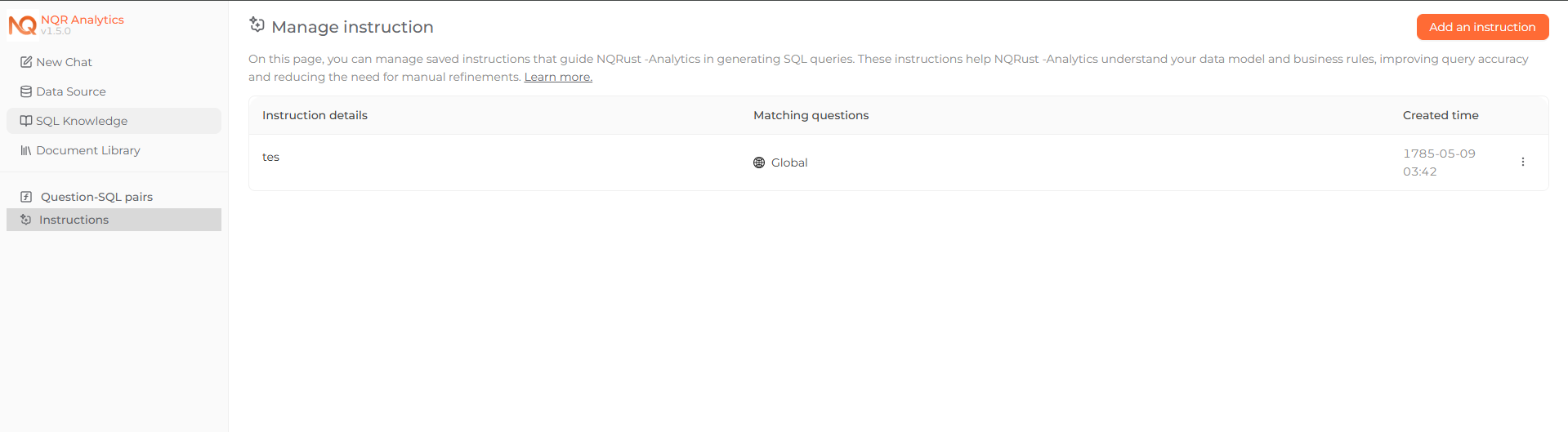 The instructions management page, listing global and question-matching instructions.