
Document Library
Upload your own PDFs, Word, PowerPoint, and Markdown files and ask questions grounded in their content, with citations.
The Document Library lets you bring your own documents into NQRust Analytics and ask questions about them in plain language. Where the rest of NQRust Analytics answers questions by querying your connected databases, the Document Library answers questions from the text inside files you upload — contracts, reports, manuals, decks, and notes — and supports every answer with citations to the source section.
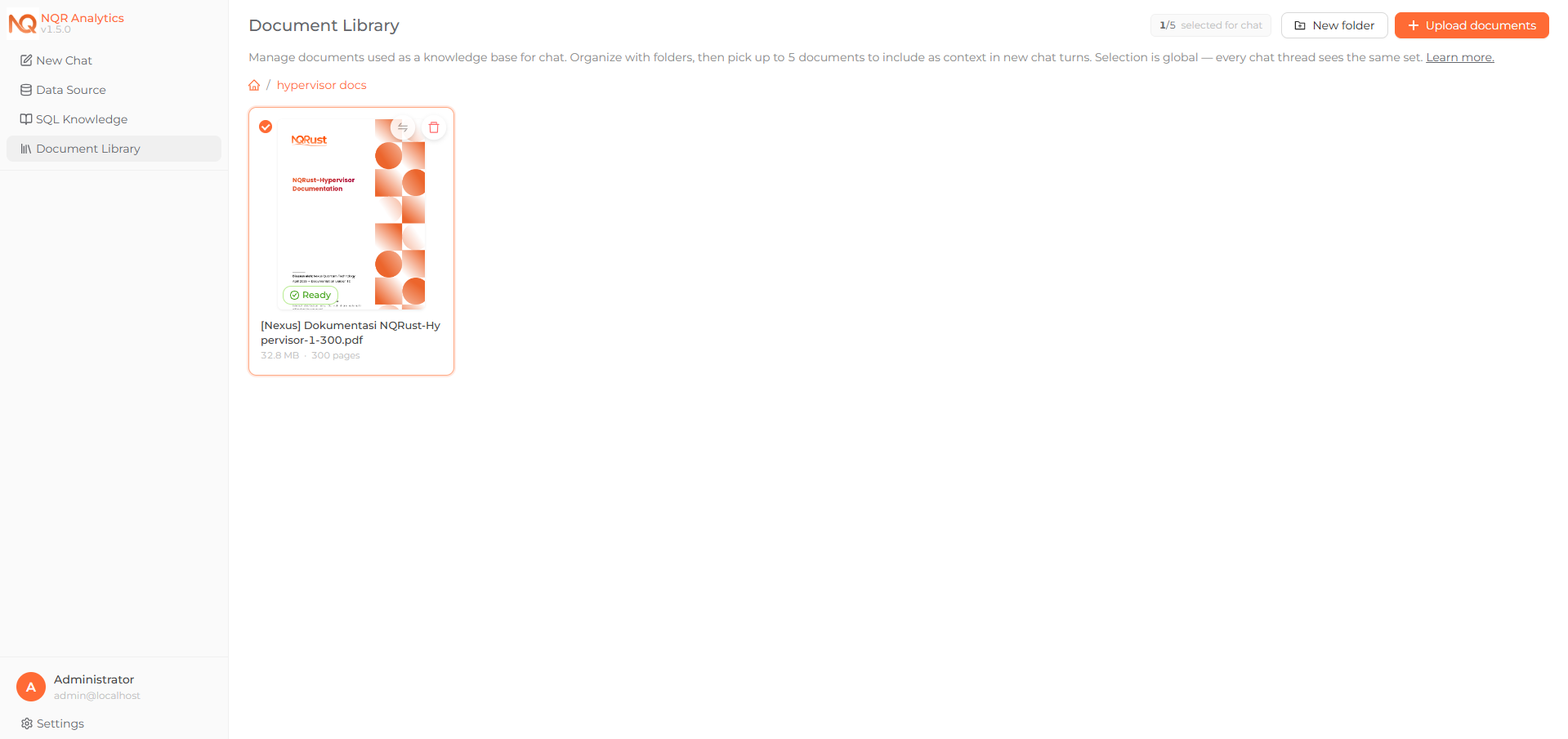 The Document Library screen showing the document grid and folders.
What it does
- Upload documents — PDF, Word (
.docx), PowerPoint (.pptx), and Markdown (.md/.markdown) files. - Organize with folders — create a nested folder structure and move documents and folders to keep the library organized.
- Automatic indexing — each upload is processed in the background into a hierarchical index so the assistant can locate the right section quickly. A live processing status is shown (Pending → Indexing → Ready, or Failed).
- Ask grounded questions — select up to five documents to use as context, then ask questions in chat. Answers are written only from the selected documents and include inline citations such as
[Page 5, Financial Summary].
Why use it
Database Q&A works well when the answer lives in structured tables. However, much knowledge lives in documents: a vendor contract's renewal terms, a policy PDF, the methodology section of a report, or the pricing slide in a deck. The Document Library lets you ask those questions directly and receive an answer that points back to exactly where it came from, so you can verify it.
How it fits with database Q&A
Both experiences live in the same chat. NQRust Analytics routes each question to the appropriate place: questions about your connected data become SQL queries, while questions about your selected documents are answered from the document index (a DOCUMENT_BASED answer). You do not switch modes manually — you choose which documents (if any) are active as context.
Requirements
Document Q&A (RAG) is enabled by default and reuses your existing LLM credentials — there is no separate service or API key to configure. Indexing and retrieval run in-process in the AI service using a vendored copy of the open-source PageIndex engine, calling your configured model for the reasoning steps.
Scanned or image-only PDFs are supported through OCR — see Managing documents for details and the one prerequisite (the Tesseract binary, which ships in the container image).