
Your Profile & Password
View your account, update your display name, and change your password in NQRust Analytics.
Every signed-in user has a profile page for managing their own account. Open it from Settings → Profile.
Your account
The profile page shows your:
- Avatar and display name
- Email address (used to sign in)
- Role — Admin, Editor, or Viewer (read-only here; only an administrator can change a user's role from User Management)
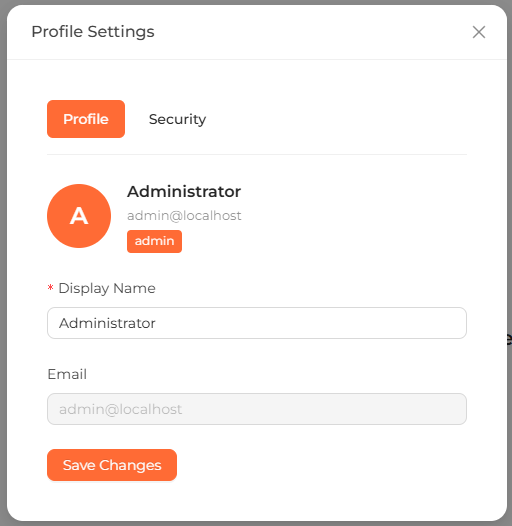 The Settings → Profile screen showing account details and the change-password section.
Update your display name
Edit the field
On Settings → Profile, change the Display name field.
Save
Save the form. Your new display name is applied immediately.
Change your password
Enter your current and new password
In the Change password section, enter your current password, then your new password.
Save
Submit the form. Your password is updated immediately; use the new password the next time you sign in.
Changing your password requires your current password. If you have forgotten it, contact an administrator, who can manage accounts from User Management.
If you signed in through single sign-on, your password is managed by your identity provider. See Single Sign-On.